Small businesses don't fail because they lack ambition. They fail because priorities get blurry.
Once your team grows past 10–20 people, alignment breaks down fast. Decisions happen in silos, people duplicate effort, and nobody's sure what "most important" actually means this quarter.
OKR software fixes that. It gives small teams a lightweight system to set priorities, track progress, and stay aligned without the overhead of enterprise tools built for 5,000-person organizations.
The right tool should be fast to set up, easy for non-technical people, and priced for a growing team, not a Fortune 500 budget.
- Best for growing small businesses: Mooncamp, with the same goal system from 5 users on Essential ($7 per user per month, billed annually) up to Enterprise with SAML SSO and SCIM
- Best for tight budgets: Tability (from $6 per user per month, billed yearly) and Simple OKR (a flat $49.99 a month for unlimited users), prices checked November 2026
- Best free option: SugarOKR – free for unlimited users, zero barrier to entry
The right OKR tool helps small businesses punch above their weight:
- Focus – stop spreading your small team too thin by making priorities crystal clear
- Alignment – keep everyone pulling in the same direction, even as you add new hires
- Transparency – see what's on track and what's not without scheduling another meeting
We tested each tool on its free plan or free trial and compared them on the criteria below, chosen for small businesses: ease of adoption, pricing, and the features that matter when you have a lean team. Prices and plans were checked on each vendor's pricing page in November 2026.
Mooncamp makes one of the tools compared here.
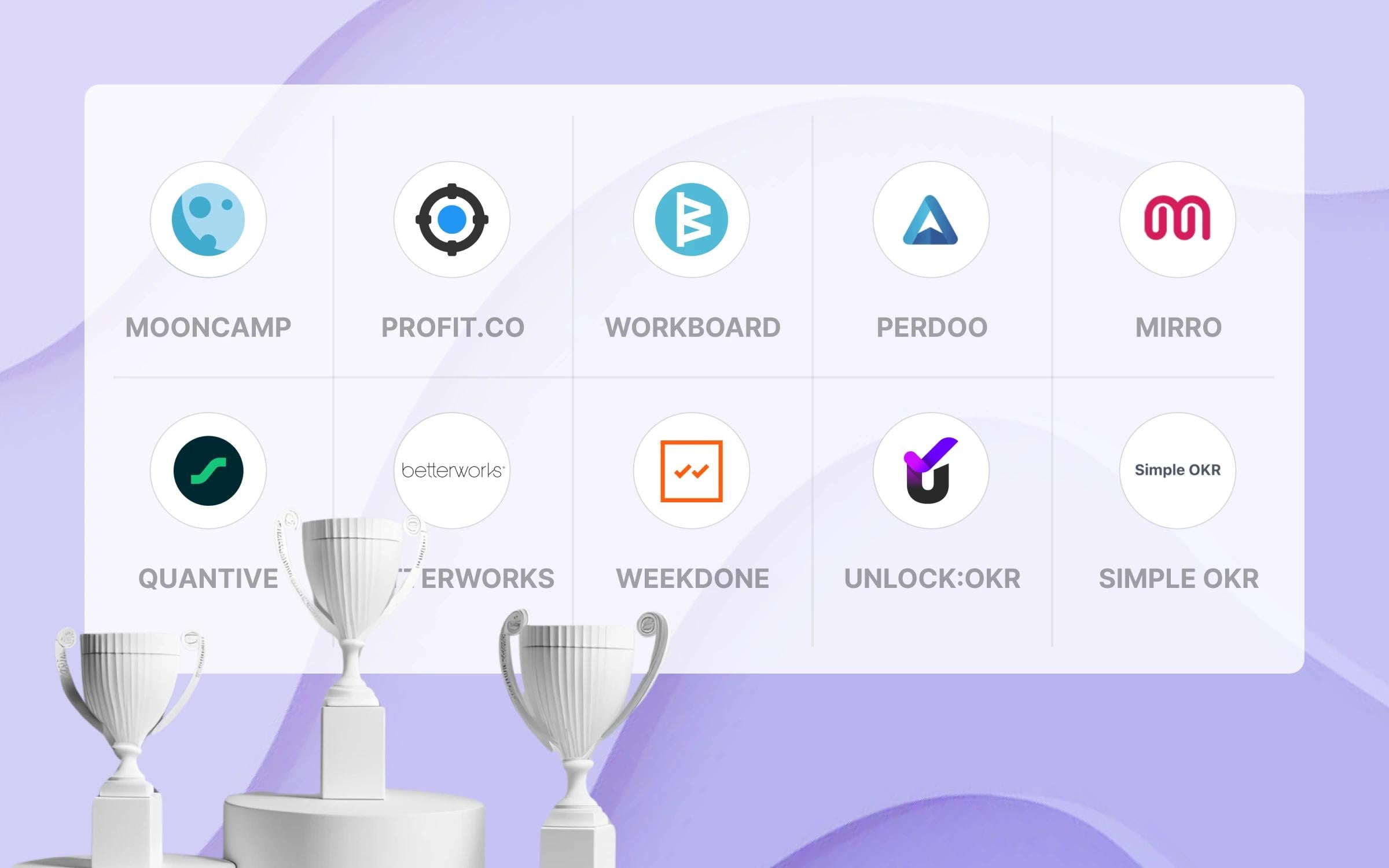
Top 10 OKR Software for Small Businesses
You can find a detailed breakdown below. For more alternatives, check our comparison articles on Perdoo alternatives, Weekdone alternatives, and Tability alternatives.
A quick and easy path to the best OKR tool
Small businesses can't afford to spend weeks evaluating software. Here's a fast approach that prioritizes time-to-value:
- Important before tool selection: Understand the basics of the OKR framework
- Create a shortlist of 2–3 tools from the list below
- Sign up for a free trial or book a quick demo: you'll learn more in 30 minutes of clicking around than from any review
- Enter your shortlist into a comparison table (template for evaluation)
- Choose the OKR tool with the highest rating from the table ✅
OKR software comparison criteria
We compared the tools on these criteria, chosen for small businesses:
- Ease of Setup & Onboarding
- Time-to-value: How quickly can a small team go from signup to tracking OKRs? Is setup self-service or does it require a sales call?
- Usability: Can non-technical employees learn the tool without formal training?
- User Interface (UI): Is the interface clean and simple enough that people will actually use it?
- Features That Matter for Small Teams
- Visualization: Can you see how team goals connect to company goals at a glance?
- Check-ins: Does the tool make it easy to update progress regularly without adding overhead?
- Reporting: Are there simple dashboards to track what's on track and what isn't?
- Integrations: Does it connect to tools small teams already use, such as Slack, Microsoft Teams, and Jira?
- Pricing: Is it affordable for a team of 10–50 people? Are there free plans or flat-rate options that don't punish growth?
- Data protection: Is the tool GDPR-compliant? Even small businesses need to take data security seriously.
What is the best OKR software for small businesses?
1. Mooncamp
Best OKR software for small businesses that plan to grow, because the same product runs from 5 users on Essential to Enterprise with SAML SSO and SCIM.
Many small teams pick the cheapest or simplest tool to get started with OKRs. That works fine at 10 people. But when you hit 30, 50, or 100 employees, you suddenly need better reporting, proper permissions, integrations with your growing tool stack, and a system that can handle cross-team alignment. Migrating to a new platform at that stage is painful and expensive: re-training everyone, rebuilding your goal structures, losing historical data.
Mooncamp avoids that problem entirely. It's built for scale but easy to start with. You get the lightweight experience a small team needs today, with the depth to grow into as your business scales. Think of it as future-proofing your OKR setup.
Customer reviews on G2 confirm this:
"What I really like is the tremendous flexibility of the tool as well as the Microsoft Teams integration, which I haven't seen to this extent in any other OKR tool [...] Given the many features, the tool still looks modern and uncluttered, which is a very user-friendly combination."
⭐️⭐️⭐️⭐️⭐ Review on G2
"We were able to achieve full transparency and alignment across all of our teams. Even non-technical employees were able to quickly learn Mooncamp. This is extremely important if you want to successfully implement the OKR methodology. The customer support team was always very quick to respond to any questions we had and seems to be working well together with their product team, as the changes we suggested were implemented with remarkable speed."
⭐️⭐️⭐️⭐⭐️ Review on G2
Mooncamp's key features for small businesses:
- Intuitive interface that non-technical employees adopt quickly: next to no training required
- OKR visualization as cascade, tree, or network view
- Comprehensive Microsoft Teams and Slack integrations
- Data integrations to Jira, Excel, Asana, and more
- Reporting and analytics dashboards
- Check-ins with customizable reminders to keep OKR updates on track
- GDPR-compliant with enterprise-grade security (SSO, SCIM) when you need it
Essential costs $7 per user per month and includes the customizable goal system, reporting, check-ins and integrations such as Microsoft Teams and Jira. Professional costs $10 and adds the goal tree, custom dashboards, goal rules and goal weighting. Both are billed annually with a minimum of 5 users. Enterprise is priced on request, starts at 100 users and includes SAML SSO and SCIM provisioning. There is a 14-day free trial, no credit card required (checked November 2026).
Cons
- No free plan, and paid plans start at 5 users
- Integrations need broadening
2. OKRs Tool
OKRs Tool is purpose-built for startups and small teams that want clear alignment without enterprise complexity. The flat-rate pricing model means you won't get punished as your team grows, which is a real advantage for cost-conscious small businesses.
The interface is clean and easy to use. AI assists with creating high-quality objectives and key results and suggests practical initiatives to move each KR forward, making OKRs Tool feel more like a decision-support system than a basic tracker.
OKRs Tool works especially well for remote and hybrid teams, with Slack-native updates and asynchronous check-ins that reduce the need for status meetings. An alignment map shows how goals connect across teams and cycles, and past OKR cycles can be reopened to keep historical context useful.
OKRs Tool has no free plan. After a 14-day trial, flat monthly plans cover the whole organization: Scale costs $129 a month, Expand $229 and Enterprise starts at $349, with 20% off for annual billing (checked November 2026).
Pros
- Intuitive OKR management with fast setup
- Built-in KPI tracking, plus performance reviews tied to goals on the Expand plan and up
- AI-powered OKRs with smart initiative suggestions
Cons
- Not designed for large enterprises
- Reporting depth may be limited for advanced analytics needs
3. Tability
Tability is a lightweight goal-tracking platform that's an ideal fit for small teams getting started with OKRs. No minimum user requirements, affordable per-user pricing, and AI-powered features that help you write better OKRs from day one.
One of Tability's strengths is its strategy map feature, which provides a visual representation of how goals link across teams. Its AI goal importer and editor turns goals pasted from a doc or list into OKRs and helps write stronger objectives and key results as you type, which helps when your team is new to the framework. The AI also suggests action plans tied to key results.
Tability charges per user: Basic costs $6 per user per month billed yearly ($7 billed monthly) and Premium $10 ($12 billed monthly), with no licensing or user minimums. Every subscription starts with a 14-day trial, no credit card required (checked November 2026).
Pros
- AI-powered goal planning and suggestions
- Strategy map for visualizing goal alignment
Cons
- Limited cross-team visibility and company-wide dashboards
- Lacks robust features for OKR planning, alignment, and rollout at mid-market and enterprise scale
4. Weekdone
Weekdone was founded in 2012 and has been serving small teams longer than most OKR tools on the market. It combines OKR tracking with weekly Plans, Progress, Problems (PPP) reporting, a practical combo for small teams that want structure without complexity.
Weekdone's free tier for up to 3 users makes it a zero-risk starting point for very small teams or founders testing OKRs for the first time. The interface is modern and the learning curve is gentle.
Above 3 users, Weekdone sells user packages: a special offer for 4 to 6 users costs $59.17 per month billed annually ($71 billed monthly), and 10 users cost $90 per month billed annually ($108 billed monthly). The price per user drops as packages get larger (checked November 2026).
Pros
- Simple interface
- Easy to get started with OKRs
- Asana integration
Cons
- Unsuitable for larger teams due to missing functions and lack of overview
- Few customization options
5. SugarOKR
SugarOKR is the strongest free option for small businesses. Unlike most "free" plans that cap at 3–5 users, SugarOKR offers a free plan with unlimited users and all core features included. For a bootstrapped startup or small business testing whether OKRs work for them, there's literally zero barrier to entry.
The platform focuses on simplicity: create OKRs, monitor progress, and track performance without complexity. Administrators can schedule OKRs for an entire year in advance, and automated email reminders keep updates flowing.
A paid Professional plan, powered by Happy5, adds a mobile app, an alignment tree and setup support; SugarOKR does not publish its price (checked November 2026).
Pros
- Free plan with unlimited users
- Simple, intuitive interface with visual progress bars
- Automated email reminders and year-ahead OKR scheduling
Cons
- No mobile app on the free plan (the paid Professional plan adds one)
- No API and very limited third-party integrations
- May not scale well for fast-growing teams with complex needs
6. Simple OKR
Simple OKR does exactly what the name suggests. It strips OKR management down to the essentials. At a flat $49.99/month for unlimited users, it's one of the most predictable pricing models in the space. No per-user fees, no tiers, no surprises on the invoice.
For small businesses that want a straightforward tool without the complexity of feature-heavy platforms, Simple OKR is worth a look. The interface is clean and focused on core OKR workflows: set objectives, define key results, and track progress.
Pros
- Flat $49.99/month for unlimited users, with no per-user costs
- Minimal, easy-to-use interface
- Affordable and predictable pricing for teams of any size
Cons
- Minimal review presence (no G2 or Capterra ratings)
- Limited features compared to more mature platforms
- May lack the depth to support teams as OKR maturity grows
7. Perdoo
Perdoo is a German-made OKR platform with a lightweight feel that works well for small businesses. Its free plan covers up to 5 users, with limited functionality.
Perdoo separates OKRs from KPIs cleanly, which helps small teams distinguish between ongoing health metrics and time-bound objectives. The "roadmap" feature lets you view company and team goals across multiple periods.
Perdoo integrates with MS Teams, Slack, Jira, and Google Sheets. Paid plans cost €8 per user per month (Premium) and €10 (Supreme), billed annually for up to 24 users, with volume discounts above that (checked November 2026). For example, the Premium price for 100 users is €6.40 per license.
Pros
- Roadmap function
- Free plan for up to 5 users
Cons
- Bugs / errors take longer to be fixed
- Perdoo sends a lot of emails, which can be annoying over time
- Poor Slack integration
8. Teamflect
Teamflect is the go-to OKR tool for small businesses already running on Microsoft 365. It runs inside Microsoft Teams, with Outlook and a browser app as well, and you sign in with your Microsoft account, so there is no context-switching and no separate login to manage.
For a small team where everyone's already in Teams, the adoption barrier is essentially zero. People manage OKRs, run check-ins, and track goals without leaving their daily workflow. The free plan includes full functionality for up to 10 users.
Paid plans start with Essential at $7 per user per month billed annually ($9 billed monthly); Professional costs $11 billed annually ($14 billed monthly), checked November 2026. Teamflect says it is GDPR-compliant and holds SOC 2 Type I and Type II certification.
Pros
- Free for teams up to 10 users with full features
- All-in-one platform: OKRs, performance reviews, feedback, and recognition
Cons
- Requires a Microsoft account: you sign in with it in Teams, Outlook or the browser app at app.teamflect.com
- App can sometimes feel slow or laggy
- Features can feel rigid or overly templated compared to dedicated OKR tools
9. Oboard
Oboard builds native OKR apps for Jira, Confluence, monday.com, and Salesforce. If your small business already lives in one of these tools, Oboard lets you track OKRs without adding another app to the stack.
The standout feature is automatic progress updates: link OKRs to Jira epics and issues, and progress updates automatically when linked work items are completed. No manual syncing, no extra data entry.
Pricing depends on the plan (Essential, Professional or Enterprise) and your user tier, and Enterprise is quoted. The pricing page offers a free trial of all features with no automatic payment when it ends (checked November 2026).
Pros
- No context-switching: OKRs live inside tools you already use
- Automatic progress from Jira issues and epics
Cons
- Reporting is basic compared to dedicated OKR platforms
- Maintaining apps across 4 platforms means OKR feature depth is limited
- Limited as a standalone OKR tool; best used as an add-on
10. Synergita
Synergita sells OKR software alongside a separate performance management product, and the two are designed to work together. Its OKR Lite plan costs $3 per user per month billed annually, which makes it one of the most affordable OKR options for small businesses, and a free OKR Starter plan covers up to 3 users (checked November 2026).
Synergita states that it is ISO 27001 certified and that it meets the GDPR and CCPA requirements for confidentiality and individual rights (Synergita FAQ). This is reassuring for data-conscious small businesses.
Pros
- Very affordable OKR Lite plan at $3 per user per month, billed annually
- OKR and performance management products from one vendor, designed to work together
- ISO 27001 certification
Cons
- Not specifically designed for small businesses, so it may include more complexity than needed
- Less known in the OKR space compared to dedicated tools
What's next?
Use this list as your starting point. Don't overthink it. For a small business, the best OKR tool is the one your team will actually use.
Here's a practical approach:
- Start with free trials. Most tools on this list offer free plans or trials. Sign up for 2–3 and click around for 30 minutes each. You'll learn more from hands-on testing than from any comparison article.
- Involve your team. Don't evaluate alone. Get at least one or two team members to test alongside you, because that's where you'll see the real differences.
- Think about growth. The cheapest tool today might cost you more in migration headaches at 50 people. Pick something that fits now and can grow with you.
- Book a demo. A quick call with the vendor's team often reveals features and use cases you'd miss on your own, and gives you a chance to ask about small business pricing.