

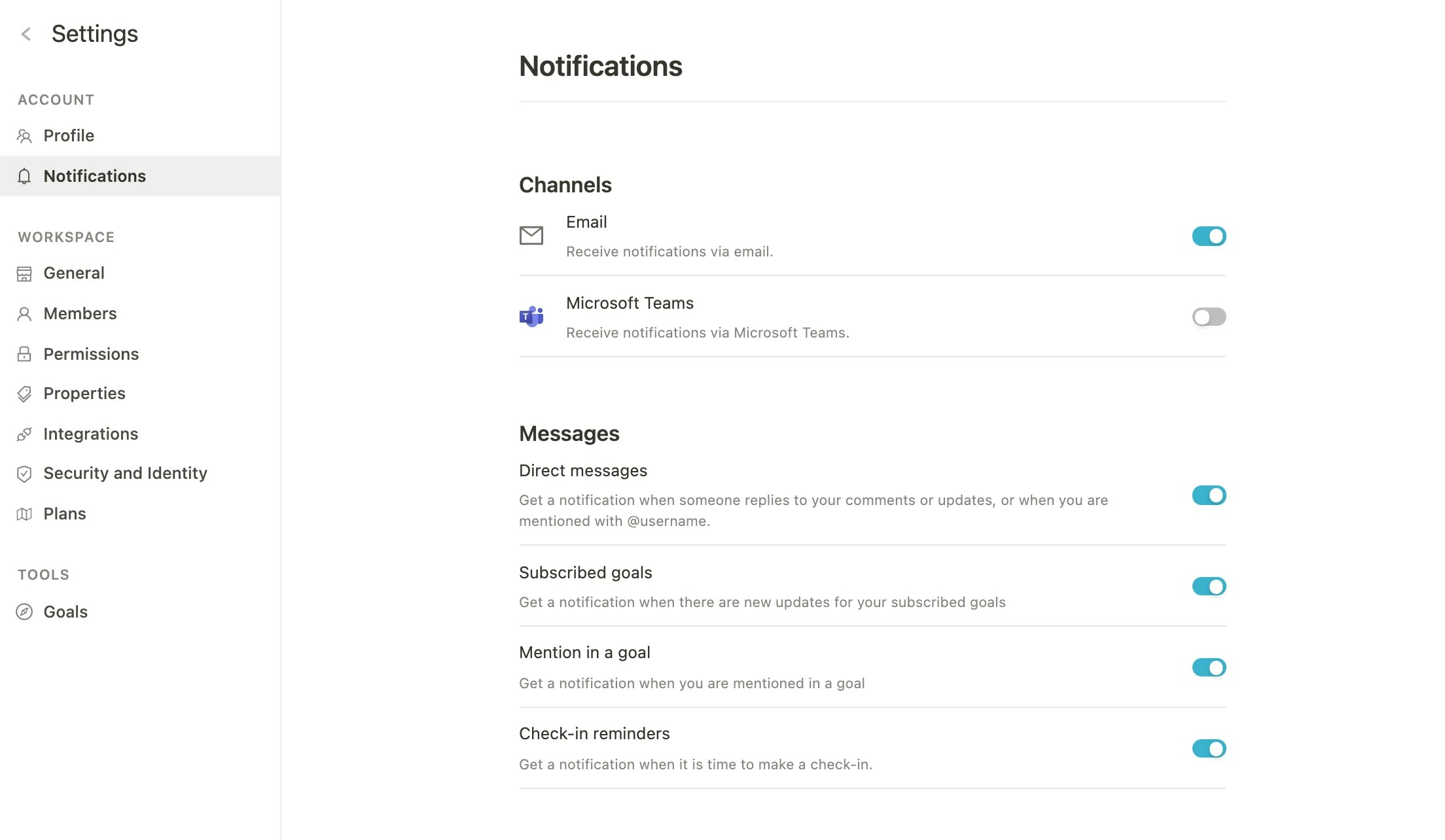
Channels:
- Slack (integration must be enabled first)
- Microsoft Teams (integration must be enabled first)
Notifications:
- Direct messages: Get a notification when someone replies to your comments or update, or mentions you with @username.
- Updates on goals: Get a notification when a goal you’re subscribed to is updated.
- Assignments on goals: Receive a notification when you are assigned to a goal.
- Reminder for check-ins: Receive a notification when it’s time to do your check-in.